 Cart is empty
 Everything You Need to Know About QR Codes
QR codes are one of the most effective ways to connect printed materials, physical objects and digital experiences with online content. A single QR code can link to a website, online store, social media profile, business card, map location, event page, payment link or downloadable digital content.
What Is a QR Code?
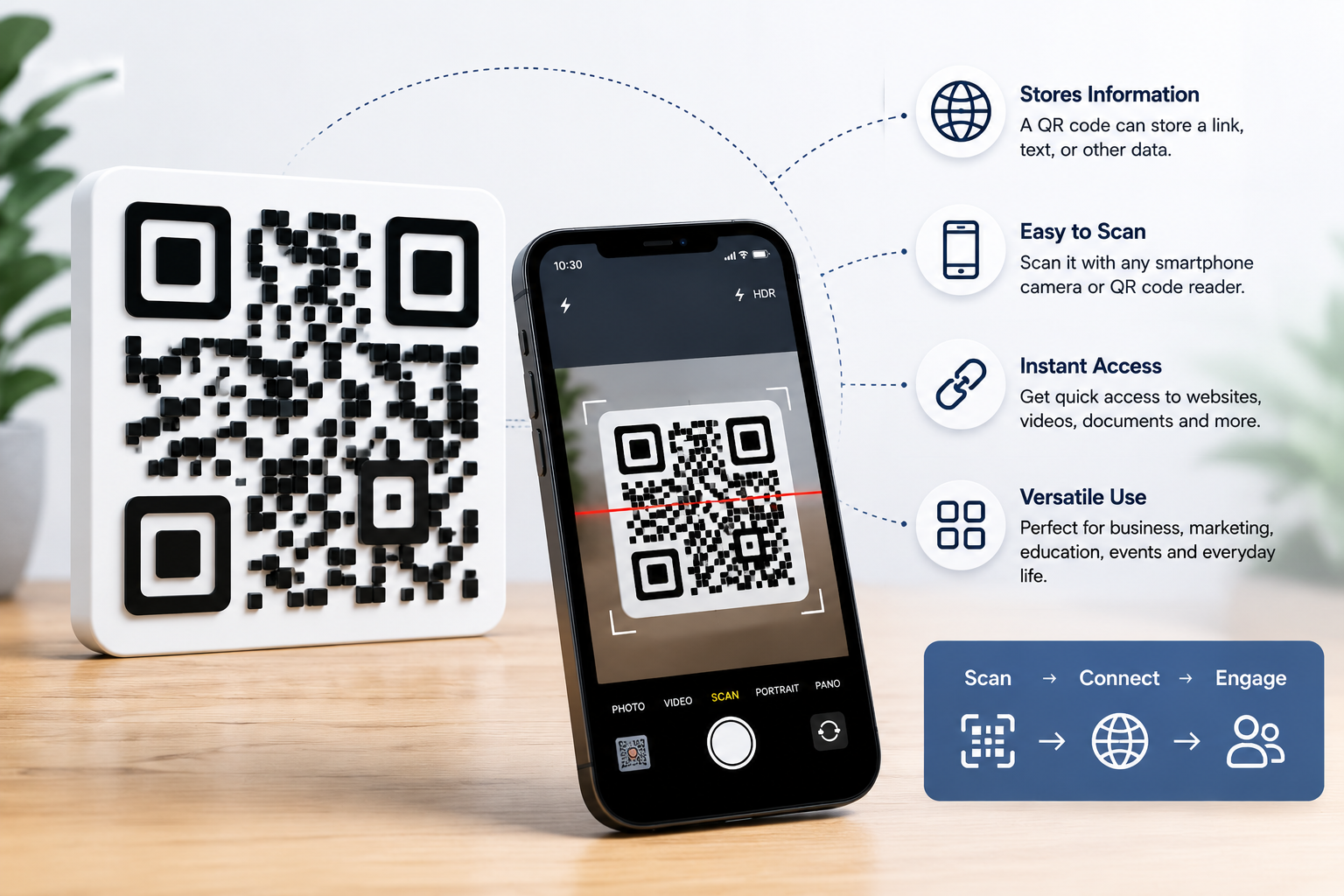
A QR code is a two-dimensional barcode that can store information and be scanned with a smartphone or QR code reader. Most modern phones can scan QR codes directly through the camera app.
A QR code usually contains a link or structured data. After scanning, the user is taken to the destination chosen by the creator — for example a website, online menu, business profile, contact form or digital file.
Unlike a traditional barcode, a QR code can store more information and can be scanned quickly from different angles. This makes QR codes useful in marketing, packaging, tourism, education, events and everyday business communication.
How Do QR Codes Work?
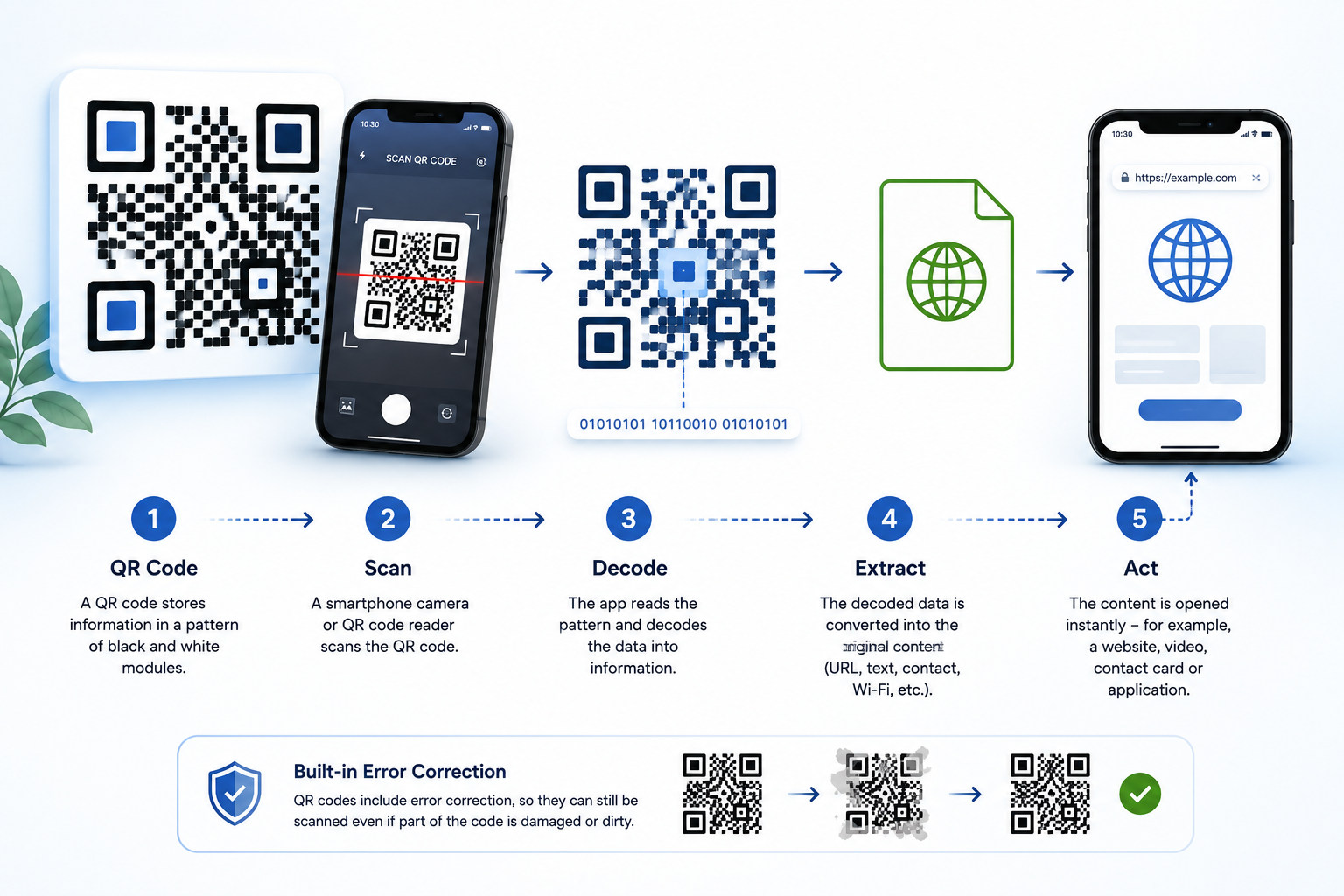
A QR code is made of small modules arranged in a square grid. These modules encode information in a machine-readable form. When someone scans the code, the scanning app reads the pattern and converts it into the stored content.
Most QR codes include three large corner markers. These help the scanner detect the code, understand its orientation and read it correctly. The rest of the pattern contains the encoded information and error correction data.
This error correction is one reason why QR codes can still work even when part of the design is stylised, branded or visually modified. However, readability always depends on contrast, size, print quality and scanning conditions.
Static and Dynamic QR Codes
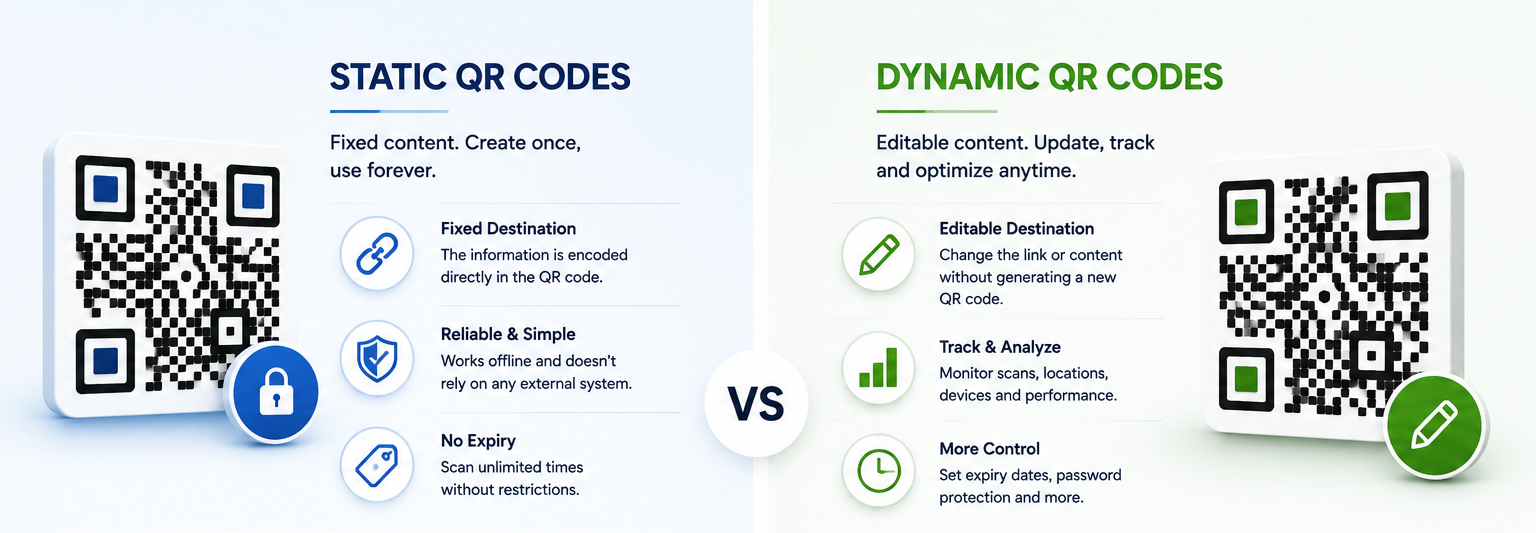
There are two main types of QR codes: static and dynamic.
QRShaper designs are prepared as finished digital QR code artworks. They can be created for a chosen URL or text destination and delivered as high-resolution files for print and digital use.
Static QR
A static QR code stores fixed information that cannot be changed after it has been created. If you need to update the destination or content, a new QR code must be generated. Static QR codes are simple, reliable and ideal for websites, text, contact details and many everyday applications.
Dynamic QR
A dynamic QR code usually points to a managed short link that can be changed later. This allows tracking, editing and campaign management, but usually requires an external service or subscription.
What Makes a QR Code Scannable?
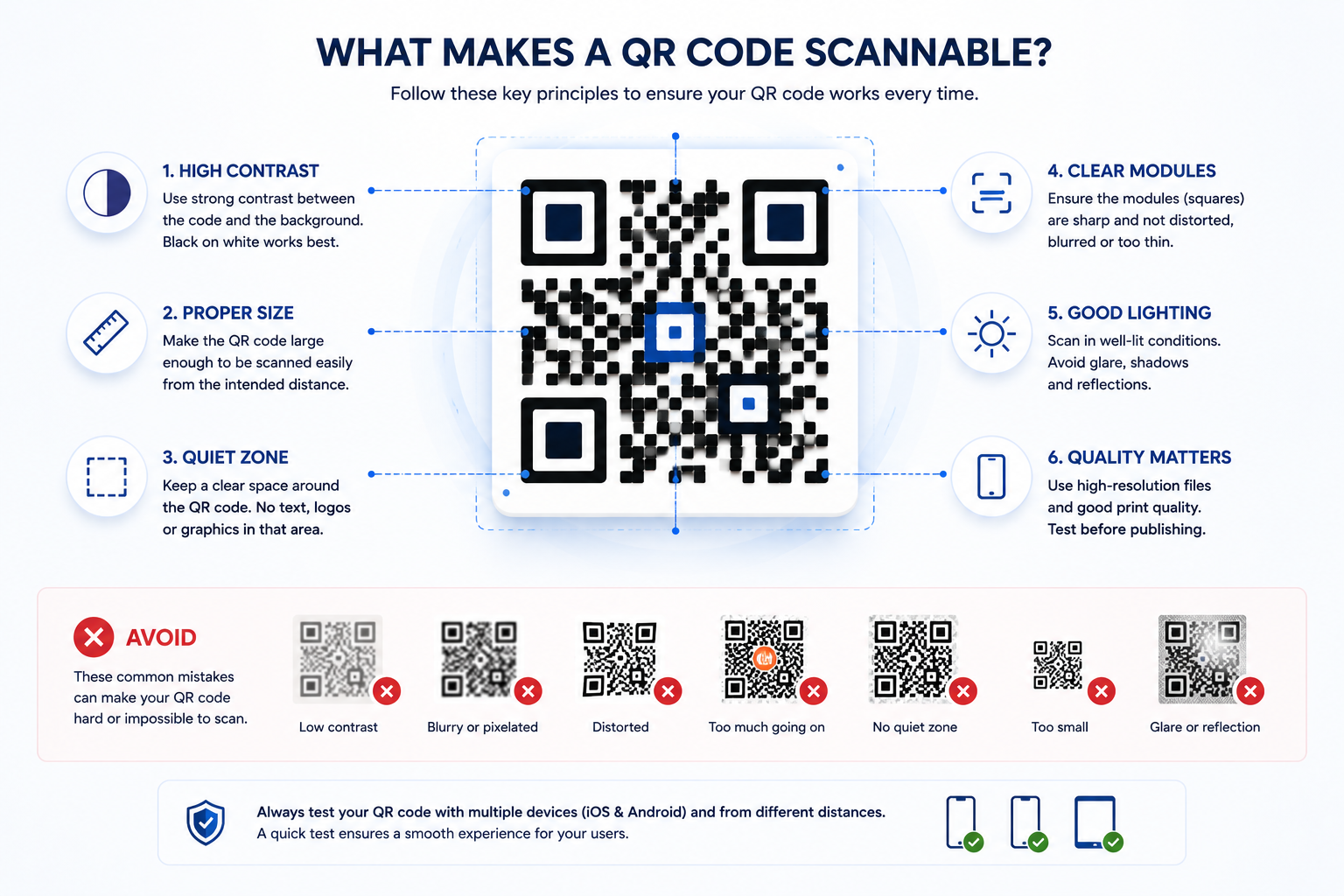
For a QR code to scan reliably, several things matter:
The code should have enough contrast between the modules and the background. It should be large enough for the viewing distance. It should not be distorted, blurred or printed at very low quality. It should also include enough quiet space around the code.
Artistic QR codes require even more care, because visual modifications must not reduce readability too much. That is why every QRShaper design is prepared with scanning functionality in mind.
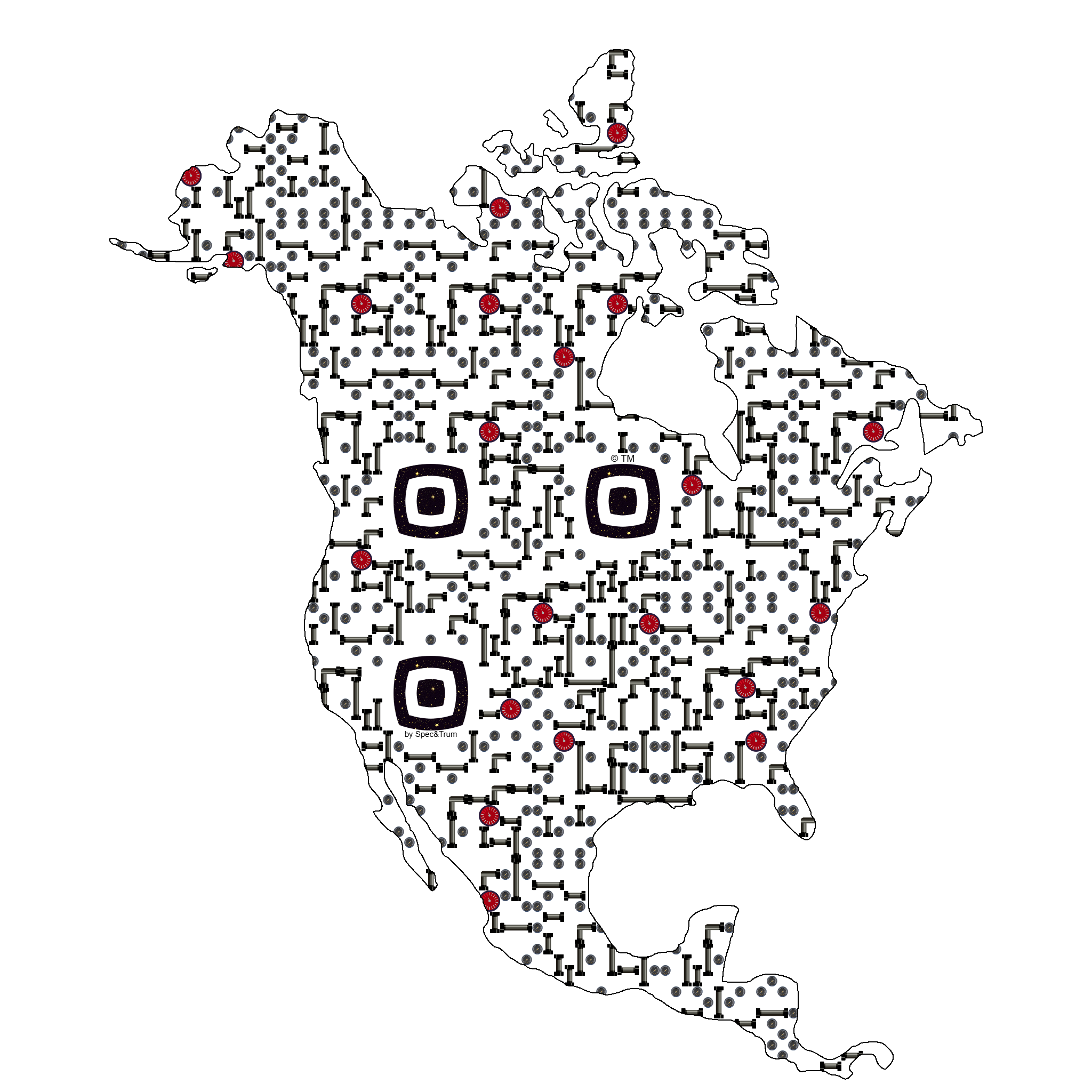
QR Code File Formats: PNG, JPG and SVG
QR codes can be delivered in different file formats depending on how they will be used.
PNG files are useful for digital use and can support transparent backgrounds. JPG files are widely compatible and practical when a white background is preferred. SVG files are vector-based, which means they can be scaled without losing quality.
For professional printing, signage, packaging and large-format use, SVG is often the best option. For websites, social media and everyday digital materials, PNG and JPG are usually sufficient.
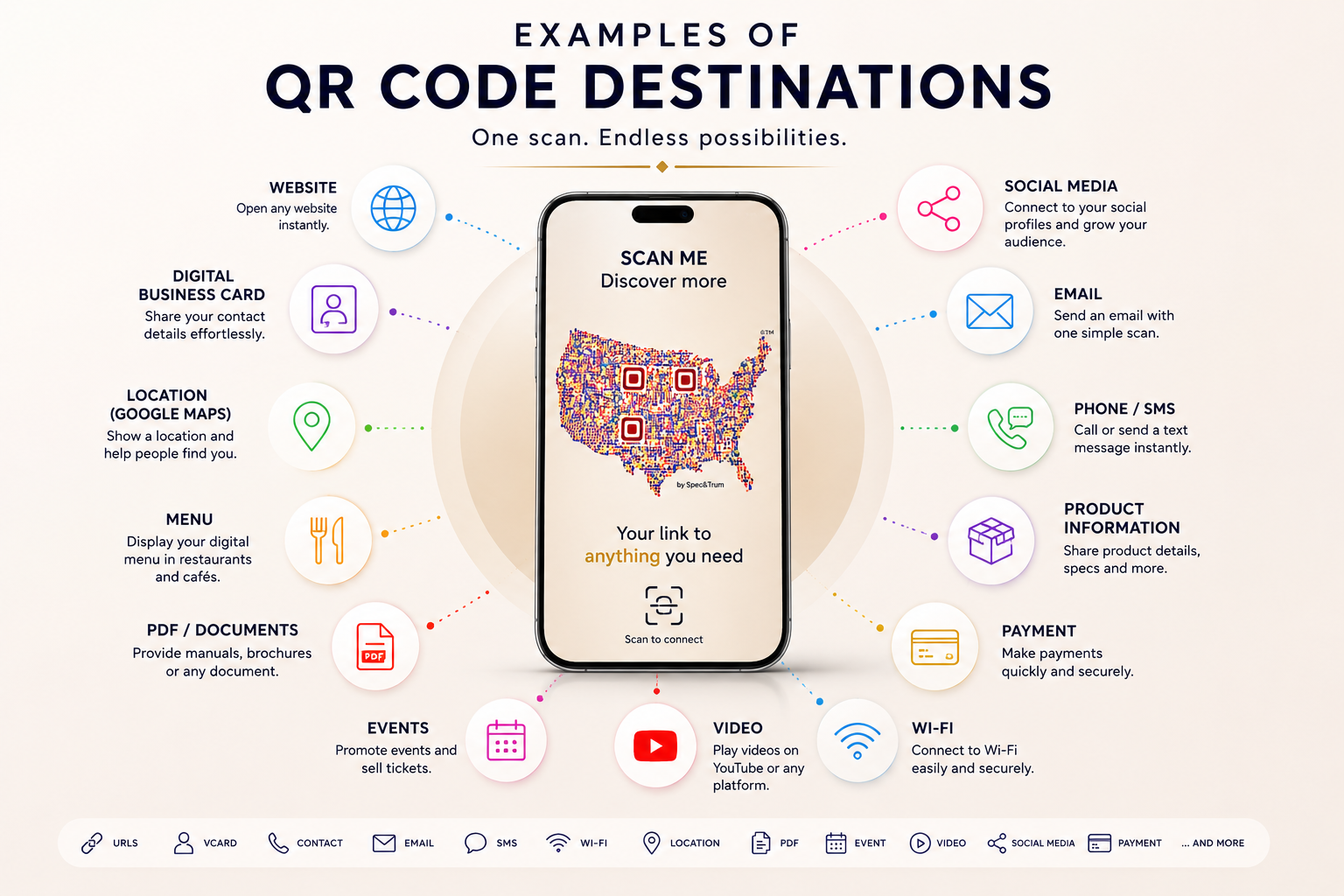
Examples of QR Code Destinations
The destination depends on the purpose of the QR code and the context in which it will be used.
Kod QR może prowadzić do wielu różnych typów treści, w tym:
- Website
- Online Store
- Contact Page
- Digital Business Card
- Social Media
- Restaurant Menu
- Booking
- Payment
- Event Page
- App Download
- Wi-Fi
- Google Maps
- YouTube
Examples of QR Code Destinations
The destination depends on the purpose of the QR code and the context in which it will be used.
Kod QR może prowadzić do wielu różnych typów treści, w tym:


Website URL,
Online shop,
Contact page,
Digital business card,
Social media profile,
Restaurant menu,
Booking page,
Google Maps location,
Event registration,
PDF file,
Video,
Portfolio,
Payment link,
Wi-Fi access,
App download page.
Designed by: Evan Glover
Project Budget: $40,000
Chosen style: Contemporary
location: Detroit, MI
Website URL,
Online shop,
Contact page,
Digital business card,
Social media profile,
Restaurant menu,
Booking page
Google Maps location,
Event registration,
PDF file,
Video,
Portfolio,
Payment link,
Wi-Fi access,
App download page.
How to Use a QRShaper QR Code
Choose the country or region that best matches your project, brand or personal identity.
Enter the URL or short text that should be encoded into the QR code.
Select the preferred style and package.
After purchase, download your files and use them in digital or printed materials.
Before publishing or printing, always test the QR code with several devices and at the final intended size.
Important Notes About QR Code Use
QR code scanning can depend on print quality, size, contrast, lighting conditions, camera quality and viewing distance.
If you plan to print the QR code very small, place it on textured materials or use it in low-light environments, testing is especially important.
For best results, use high-resolution files, keep enough space around the code and avoid placing it on visually busy backgrounds.